
Connect and operate Store
Connect Shopify, maintain catalog and content, process orders and shipping, and reconcile payouts without confusing provider state with platform state.
Who can do this
Store manager or organization admin
Primary route
/store
Last verified
4 August 2026
- An organization-owned Shopify store and app
- Approved API scopes and webhook destinations
- Defined catalog, fulfillment, promotion, and refund responsibilities
01
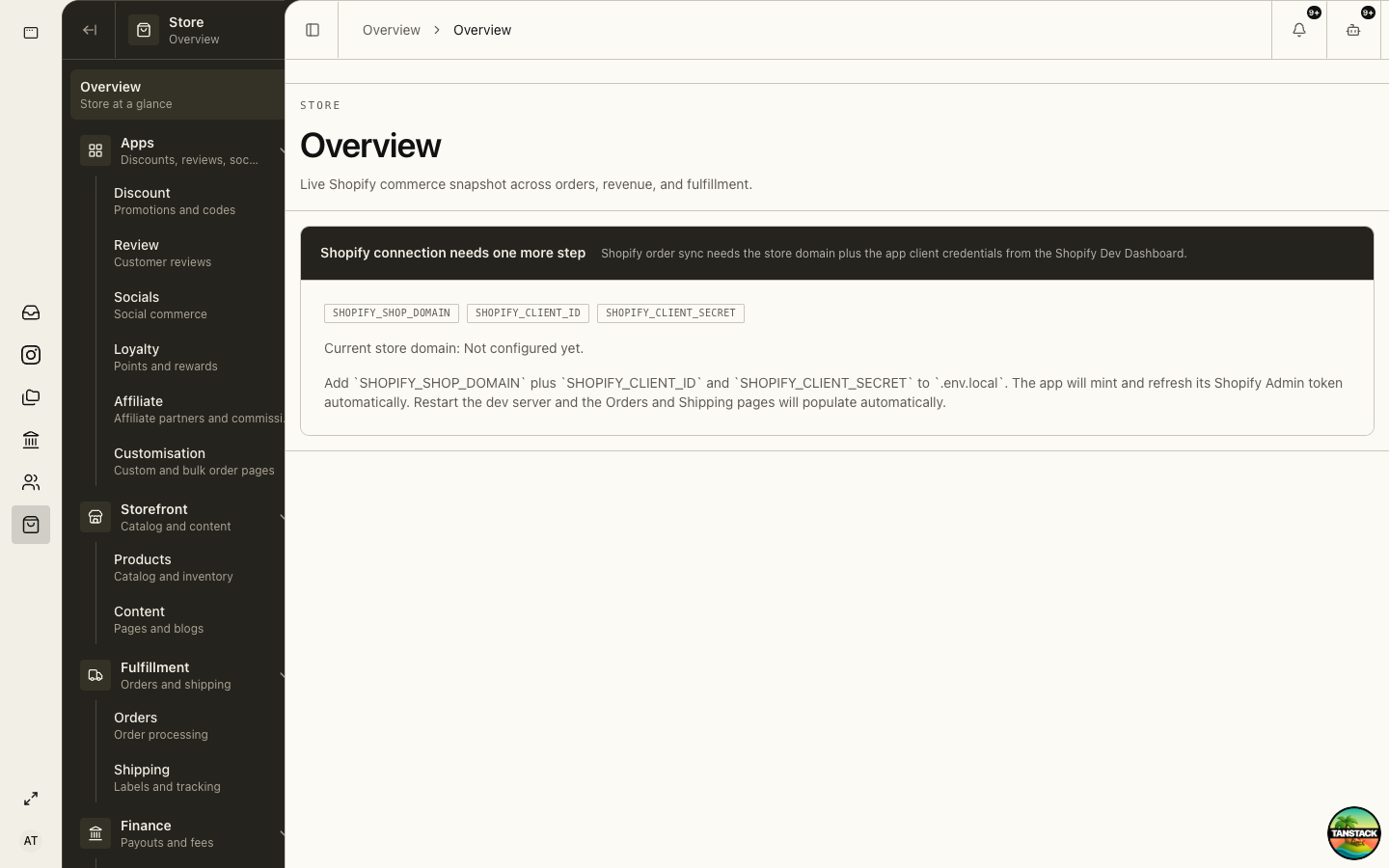
Complete the Shopify connection
Supply the store domain and approved app credentials through the deployment secret process, then verify token and webhook health.
- Confirm the Shopify shop domain and app belong to the organization.
- Review the app’s Admin API scopes against required Store pages.
- Store credentials through the approved secret path, never in a guide or chat.
- Complete installation or authorization.
- Verify initial product and order sync before enabling daily operations.
02
Maintain products and content
Use Products for catalog and inventory context and Content for pages and blogs. Confirm whether a field is platform-owned or synchronized from Shopify before editing.
03
Process an order
Use saved views and filters to locate the order, verify payment and fraud context, confirm delivery details and items, then move fulfillment through the supported actions.
- Open Store → Orders and select the relevant view.
- Open the order and confirm customer, items, payment, tags, destination, and requested delivery method.
- Resolve holds or missing data before booking shipment.
- Pick and pack against the order line quantities.
- Book shipping, obtain the label, and confirm tracking before marking fulfilled.
04
Book and monitor shipping
Use Shipping for courier options, batches, labels, tracking, and rebooking. A label created is not the same as a parcel collected.
05
Operate discounts, reviews, loyalty, and affiliates
Define scope, dates, eligibility, stacking, liability, and rollback before publishing a promotion or reward.
06
Reconcile Store finance
Use Store → Finance to review payouts and fees, then confirm the related Finance posting and cash settlement.
Troubleshooting
- Orders or products do not populate: verify store domain, authorization, scopes, and webhook or sync health.
- Fulfillment differs from Shopify: inspect the order timeline before repeating an action.
- Payout does not match net sales: reconcile refunds, fees, reserves, adjustments, timing, and currency.