
Run Task Board, notifications, and Approval
Turn signals into assigned work, move tasks through a consistent lifecycle, and decide sensitive proposals with evidence.
Who can do this
Organization admin; task assignees use their granted actions
Primary route
/task-board
Last verified
4 August 2026
01
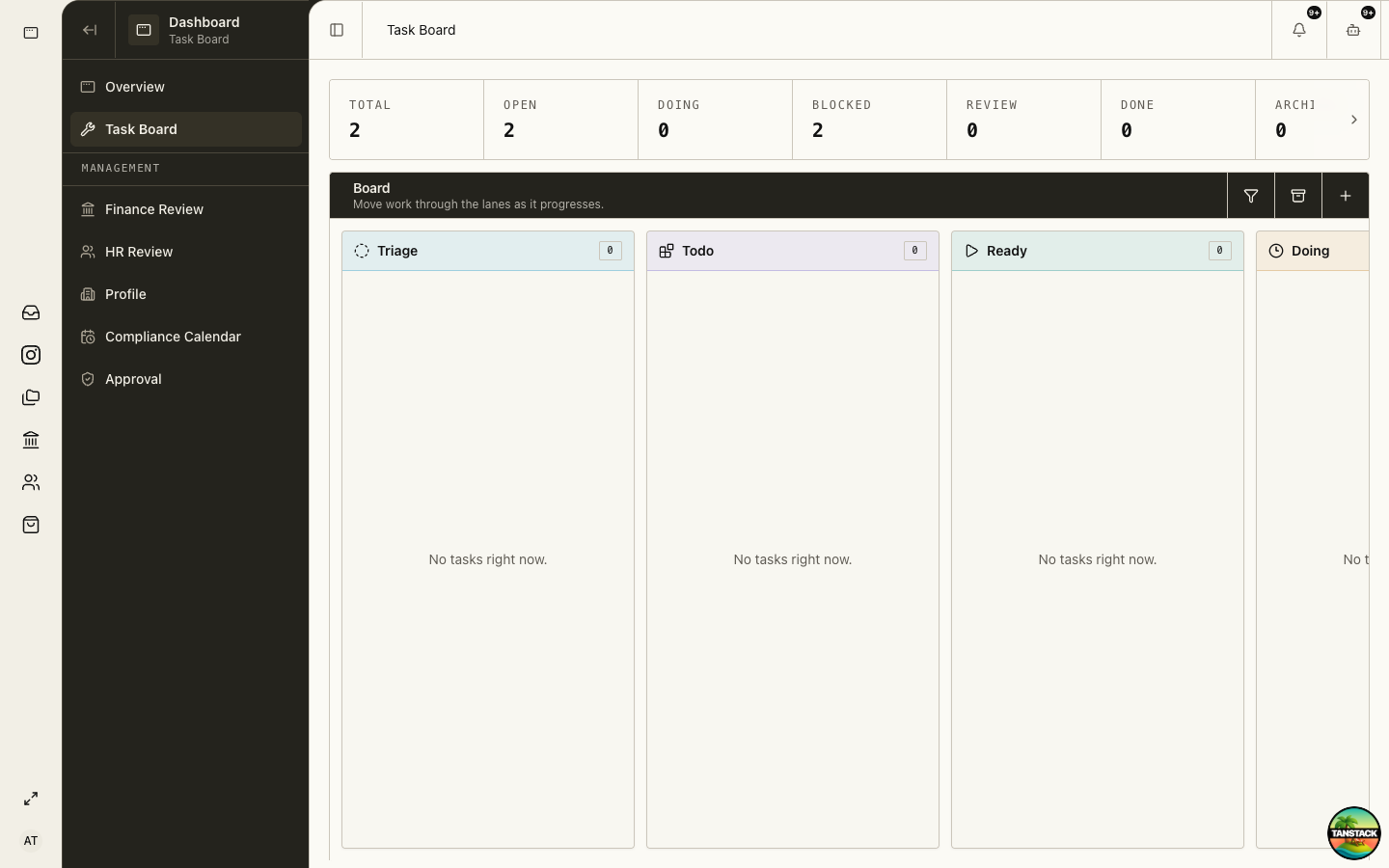
Triage new work
Use Triage for unowned or not-yet-understood work. A useful task identifies the outcome, owner, evidence, and urgency.
- Open Task Board and review Triage, urgent badges, and blocked work.
- Open the task instead of relying on its card summary.
- Set a clear title, owner, priority, notes, and acceptance criteria.
- Link or name the underlying business record in the notes.
- Move it to Todo or Ready only when the next action is understood.
02
Use each lane consistently
Lane meaning should describe work state, not personal preference.
- Triage: not yet assessed or assigned.
- Todo: accepted backlog, not ready to start.
- Ready: prerequisites are present and work can begin.
- Doing: actively being worked.
- Blocked: cannot proceed; record the blocker and owner.
- Review: work is complete but needs verification.
- Done: acceptance criteria are met and the source record confirms completion.
03
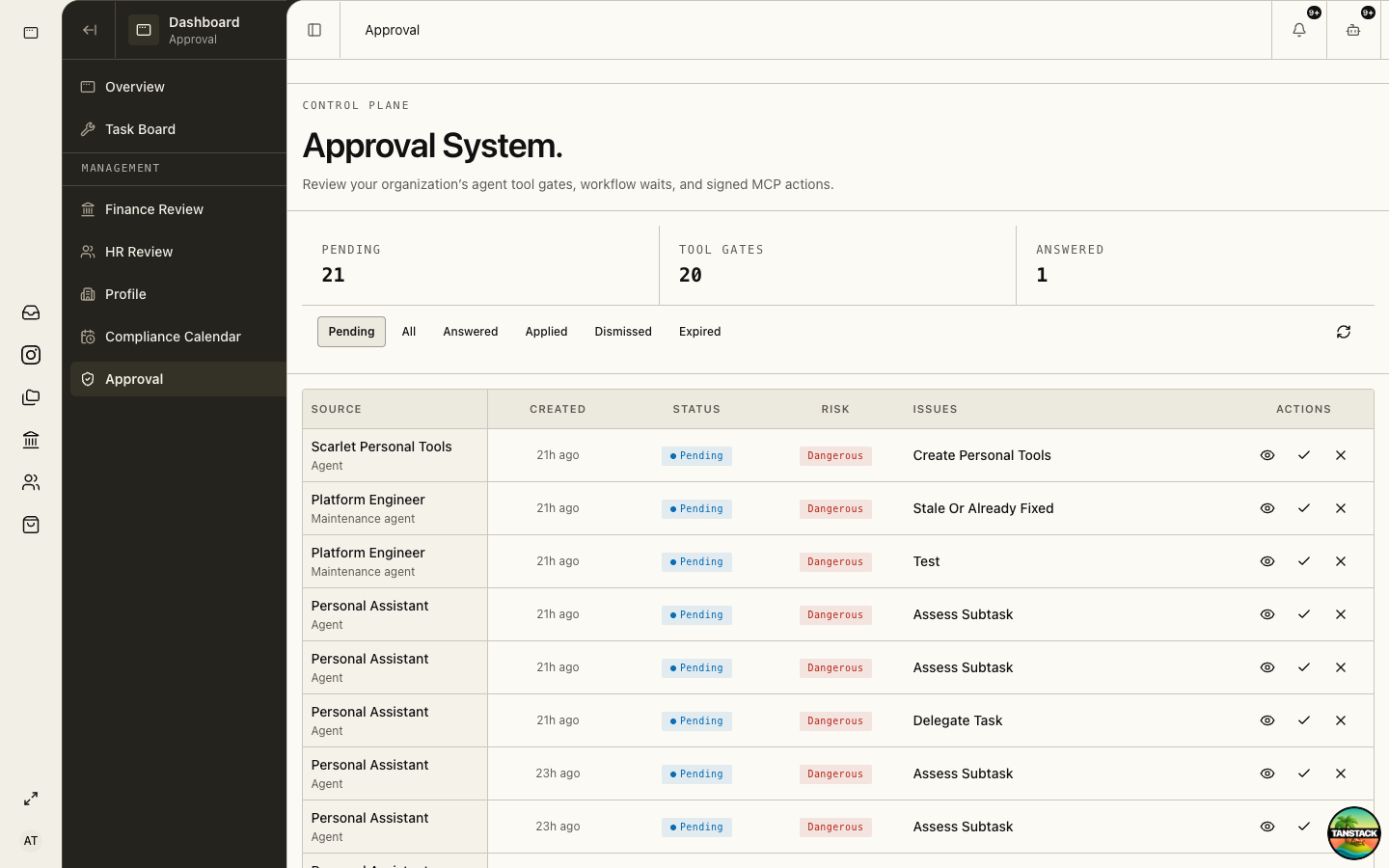
Decide agent proposals in Approval
Approval is for consequential actions proposed by an agent, not ordinary task completion.
- Open Approval and select the proposal.
- Verify organization, requesting actor, target, action, input, and expected effect.
- Open the underlying record or evidence when the summary is insufficient.
- Approve only the exact proposal shown; otherwise reject or request correction.
- After approval, verify execution status and the destination system.
Approval authorizes an action; it does not guarantee the external service accepted or completed it.
04
Use notifications as signals
Open the notification, inspect the owning record, act there, and then clear the notification. Dismissing a signal never changes the business record.
05
Escalate blocked work with context
Record what is missing, who can supply it, when it was requested, and what deadline is affected.
Troubleshooting
- A task cannot move: verify you are the owner or have the task action grant.
- An approval has no safe option: reject it and explain the missing or incorrect evidence.
- A proposal was approved but no result appears: inspect proposal execution history before retrying to avoid duplicates.