
Process Finance documents and transactions
Upload source documents, verify extracted drafts, review exceptions, obtain approval, post, and reconcile without rewriting evidence.
Who can do this
A member with the relevant Finance page grants
Primary route
/finance
Last verified
4 August 2026
- The original invoice, receipt, statement, or approval evidence
- The correct entity and cash account
- A role permitted to prepare, review, approve, or reconcile
01
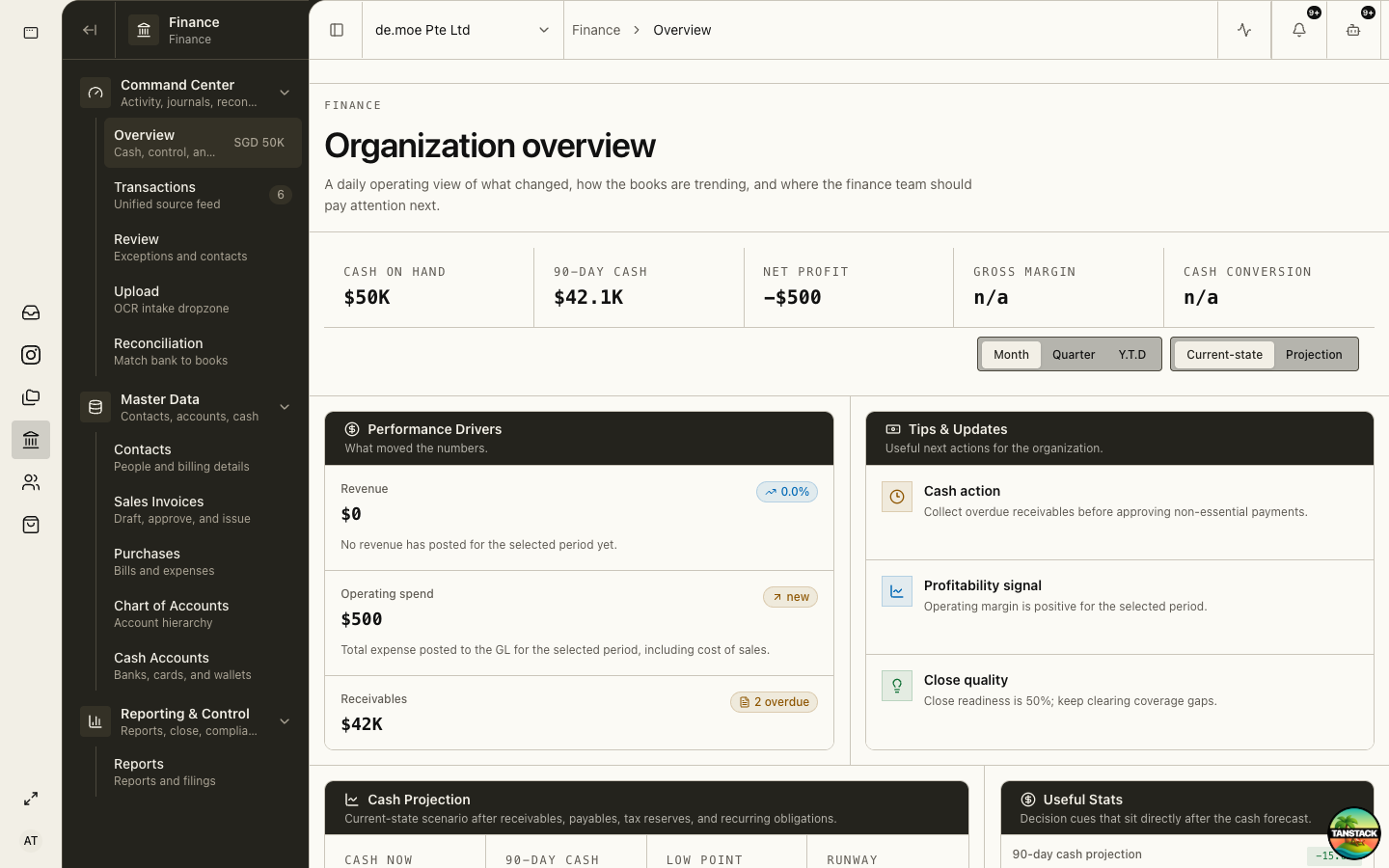
Choose the right Finance queue
Use Upload for source files, Transactions for the unified source feed, Review for exceptions, Purchases or Sales Invoices for documents, and Reconciliation for bank matching.
02
Upload and verify
Extraction proposes data; you remain responsible for comparing it with the source.
- Open Finance → Upload and add the original file.
- Open the completed intake job.
- Verify counterparty, document number, dates, currency, amounts, tax, and lines.
- Select or create the correct contact without duplicating an existing one.
- Submit the corrected draft for review.
03
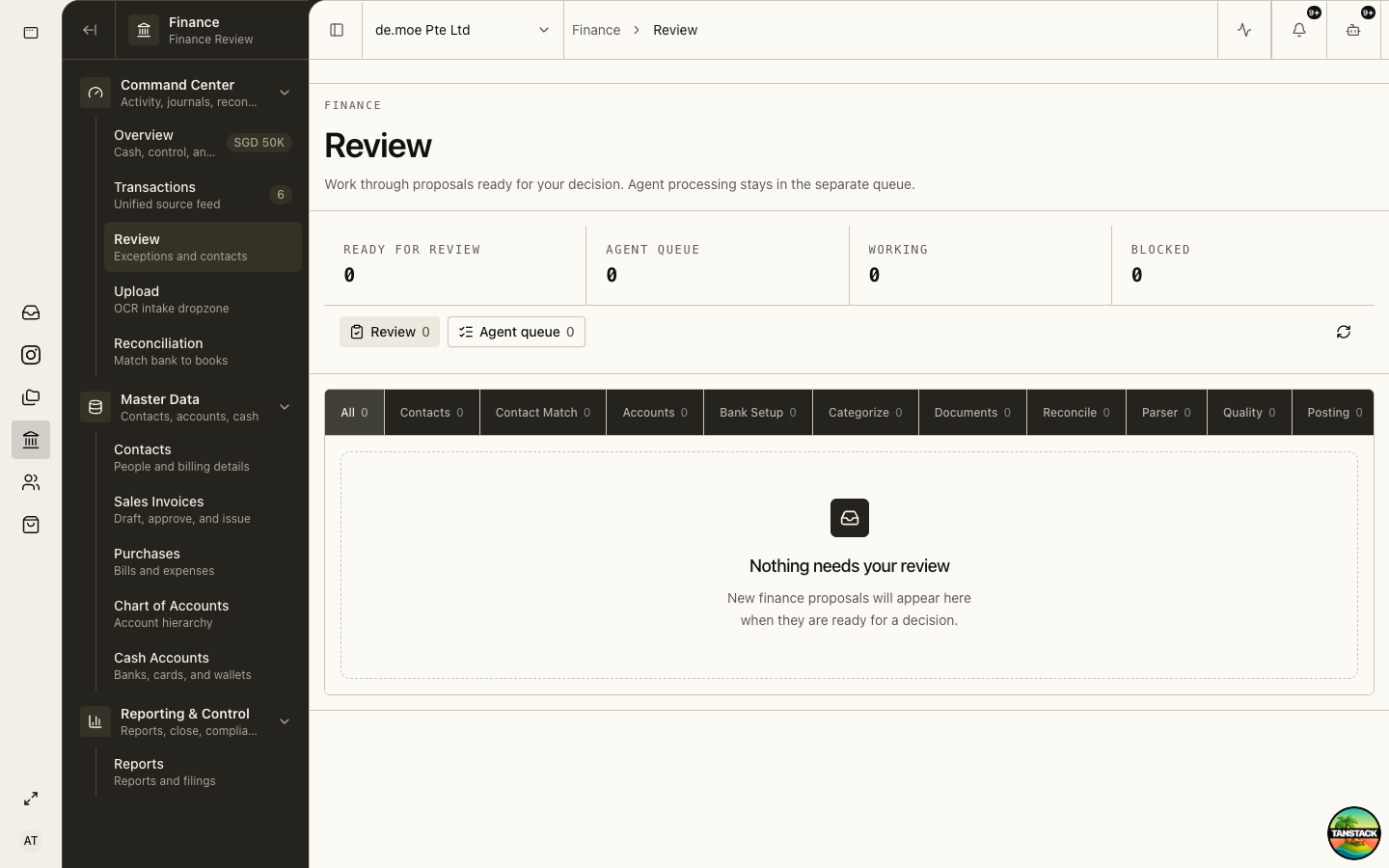
Review or return with a reason
A reviewer compares the proposal with attachments and relevant master data.
- Open Finance → Review.
- Open the exception and inspect the original evidence.
- Correct only fields within your responsibility.
- Return unclear work with a specific, actionable reason.
- Approve only when account, tax, counterparty, period, and evidence agree.
04
Post and reconcile
Only approved records should create ledger impact. Reconciliation then explains the matching bank movement.
- Post through the supported action after approval.
- Open the resulting journal and confirm entity, accounts, currency, tax, and period.
- Match the bank transaction in Finance → Reconciliation.
- Leave legitimate timing differences outstanding with a clear explanation.
05
Correct posted work safely
Do not delete or overwrite a posted journal. Use reversal and a corrected entry so the history remains complete.
Troubleshooting
- The upload looks duplicated: search by supplier, document number, amount, and date before continuing.
- You cannot approve your own draft: this is expected under maker-checker control; send it to an authorized different user.
- A bank line will not match: check cash account, currency, posting status, amount, and duplicate statement imports.