
Upload, find, and version files in Storage
Put evidence in the right location, avoid duplicates, preserve originals, and link the authoritative version to business work.
Who can do this
A member with the relevant Storage folder access
Primary route
/storage
Last verified
4 August 2026
01
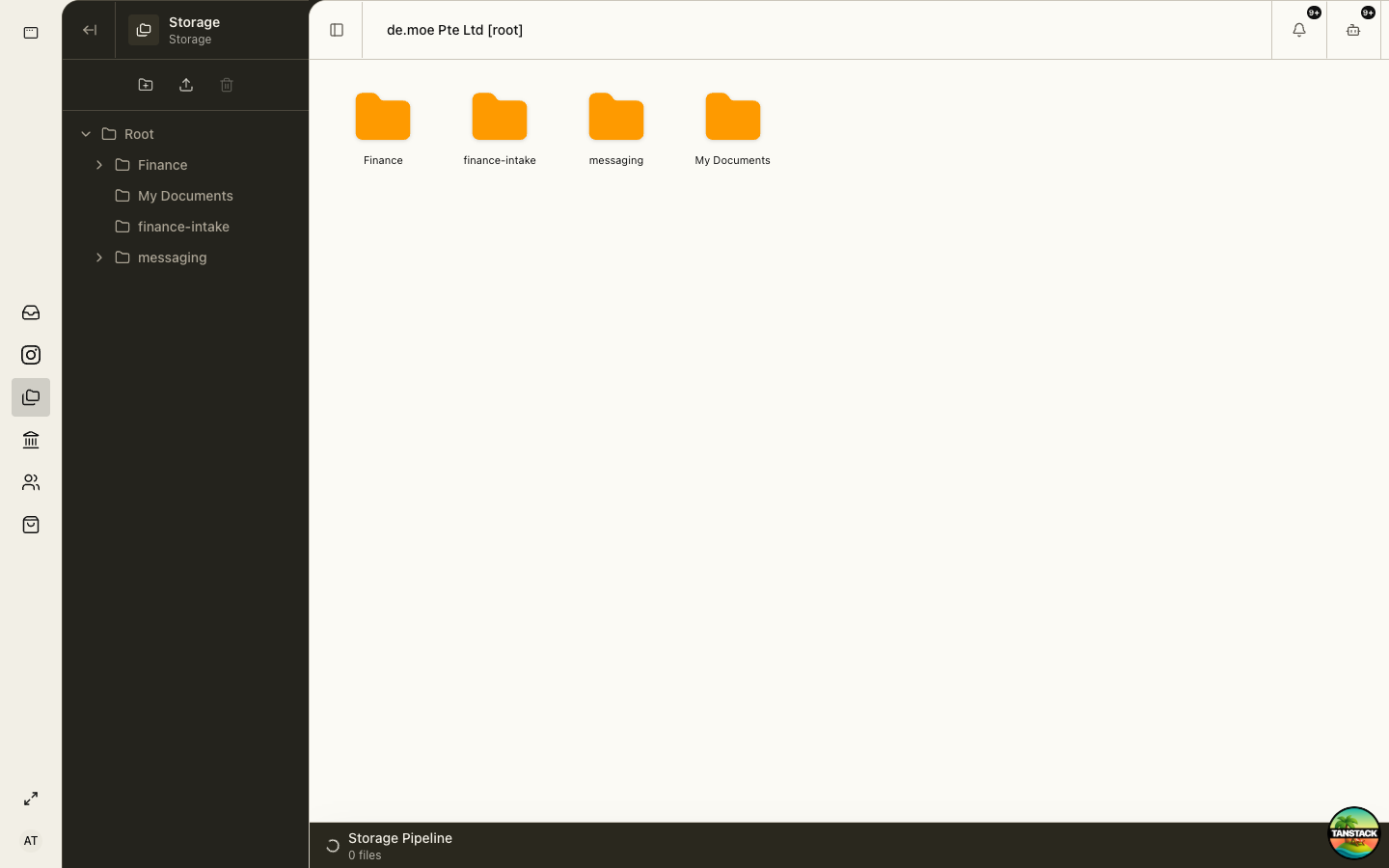
Search before uploading
Confirm organization, folder, and existing files. Search by stable business identifiers such as document number, vendor, employee, event, or period.
02
Upload to the owning folder
Choose the destination first, use a clear filename, upload the original once, and confirm the file opens.
03
Link evidence to the business record
When Finance, HR, Events, or another module owns the work, attach or reference the stored evidence there rather than relying on the filename alone.
04
Preserve originals and final versions
Do not overwrite a signed, filed, or approved version. Identify the replacement and keep the relationship clear.
Troubleshooting
- The file uploaded to the wrong folder: move it only if you have permission and no workflow depends on the old path.
- Upload appears incomplete: keep the local original, reload once, and verify size before retrying.
- You cannot open a file: request access to that folder; do not ask a colleague to forward a sensitive copy.